
Memory Bank
Use Working Brief and Memory Packs for durable context
Memory in Claw is designed for continuity. It separates active working state from durable long-term context so you can keep sessions focused without losing important decisions.
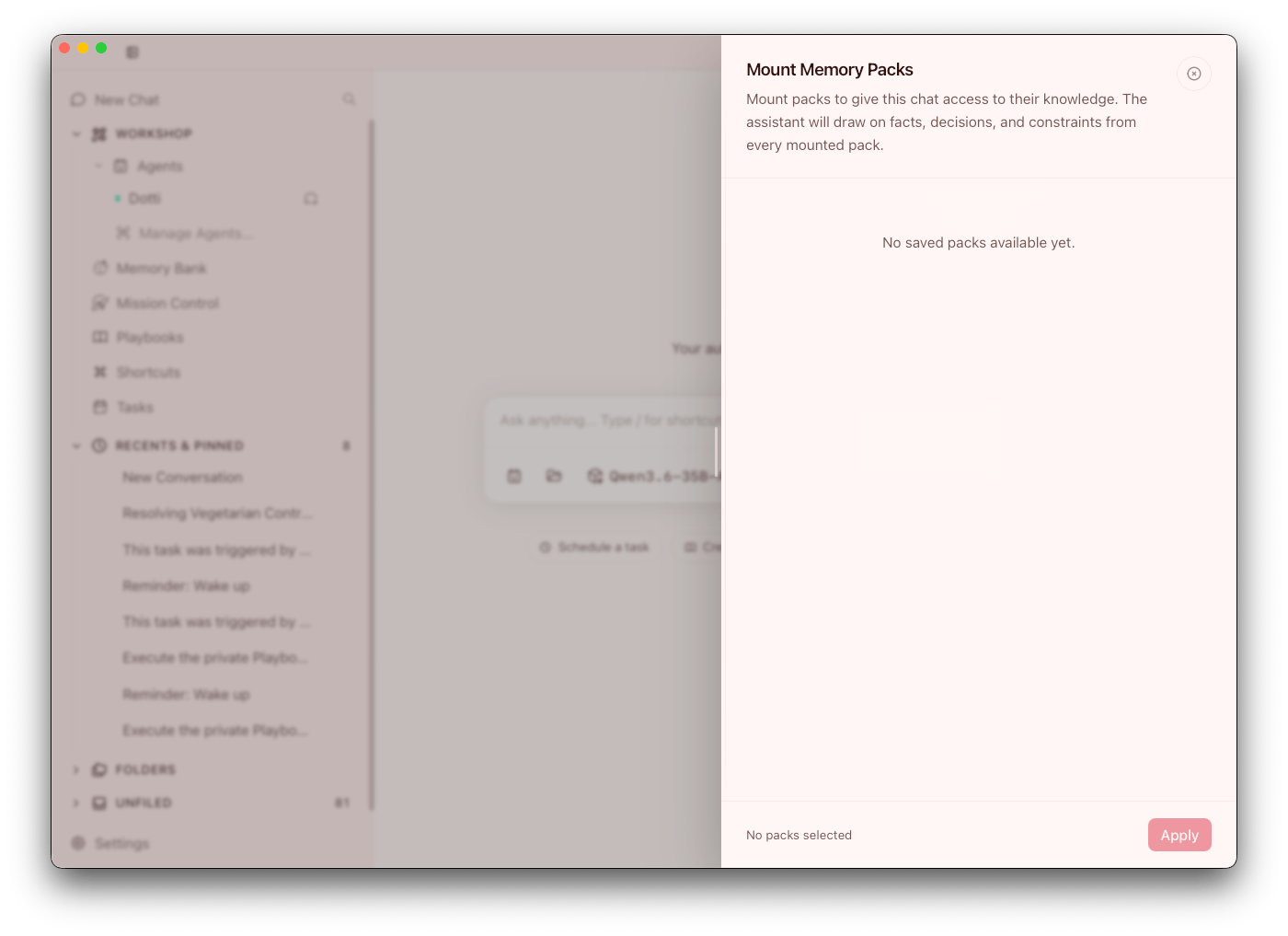
Two memory layers
- Working Brief: live structured state for current work
- Memory Bank: durable memory packs with revision history
Use Working Brief for in-progress context. Save stable facts and decisions into Memory Bank. This separation keeps active chats focused while still preserving institutional knowledge over time.
What belongs in durable memory
Good candidates include:
- Project constraints and conventions
- Confirmed architecture decisions
- Stable API assumptions
- Team workflow preferences
Avoid dumping full transcripts when a concise summary captures the real value. Quality of durable memory matters more than quantity. Curated memory improves retrieval and reduces noise in future runs.
Memory Pack operations
You can:
- Create packs
- Rename and retag
- Search across packs
- Clone, archive, restore, and delete
- Import and export packs
- Browse revisions
Use revisions as an audit trail when key decisions change, especially for shared team workflows.
Attachments and scope
Packs can be attached to multiple owners:
- Conversations
- Agents
- Playbooks
- Scheduled jobs
Archived packs must be restored before they can be attached. Plan ownership deliberately so important packs are attached where they are needed, not duplicated across unrelated contexts.
Working Brief reconciliation
Claw continuously reconciles chat state into Working Brief. Use that as staging, then promote important context into Memory Bank.
Folder memory and learn-from-chats
Claw supports folder memory workflows through the sidebar folder Memory Inbox.
Key behavior:
- Folders can enable optional learn-from-chats mode
- Chats in that folder can generate reusable memory suggestions
- You can accept, edit, dismiss, or forget memory items by type (
Notes,Rules,Choices,To-dos,Links) - Accepted folder memory is automatically available to new chats in the same folder
This workflow works best when operators review suggestions regularly instead of letting memory queues accumulate.
Folder-first workflow improvements also support faster organization of chat state, including auto-organization options for unfiled chats and easier new chat/agent chat creation from folder menus. This helps keep memory context aligned with where work actually happens.
Pulse and memory review
Pulse can surface folder memory candidates and learning patterns when there is something useful to review. Treat those cards as prompts for intentional review, not as automatic durable memory.
Use this loop:
- Let Pulse point out memory candidates or repeated patterns
- Review the underlying folder memory item or source conversation
- Accept, edit, dismiss, or forget deliberately
This keeps Memory Bank curated while still making useful learning opportunities visible.
Model assignments for memory workflows
In Settings > Model Assignments, you can set a dedicated Memory assignment instead of always using active chat model settings.
This is useful when you want:
- Lower cost memory operations
- More consistent summarization behavior
- Separate tuning for memory vs execution
Separate memory routing is especially useful when your primary chat model is expensive or optimized for coding rather than summarization.
Maintenance routine
- Keep titles specific and searchable
- Use focused tags
- Periodically prune stale packs
- Review revisions before major workflow changes
A lightweight weekly maintenance pass is usually enough to keep memory useful and trustworthy.