
Working Styles
Choose how Claw responds and executes across chats and agents
Working Styles control how Claw plans, executes, and communicates. They are a practical lever for balancing speed, rigor, and risk posture across workflows.
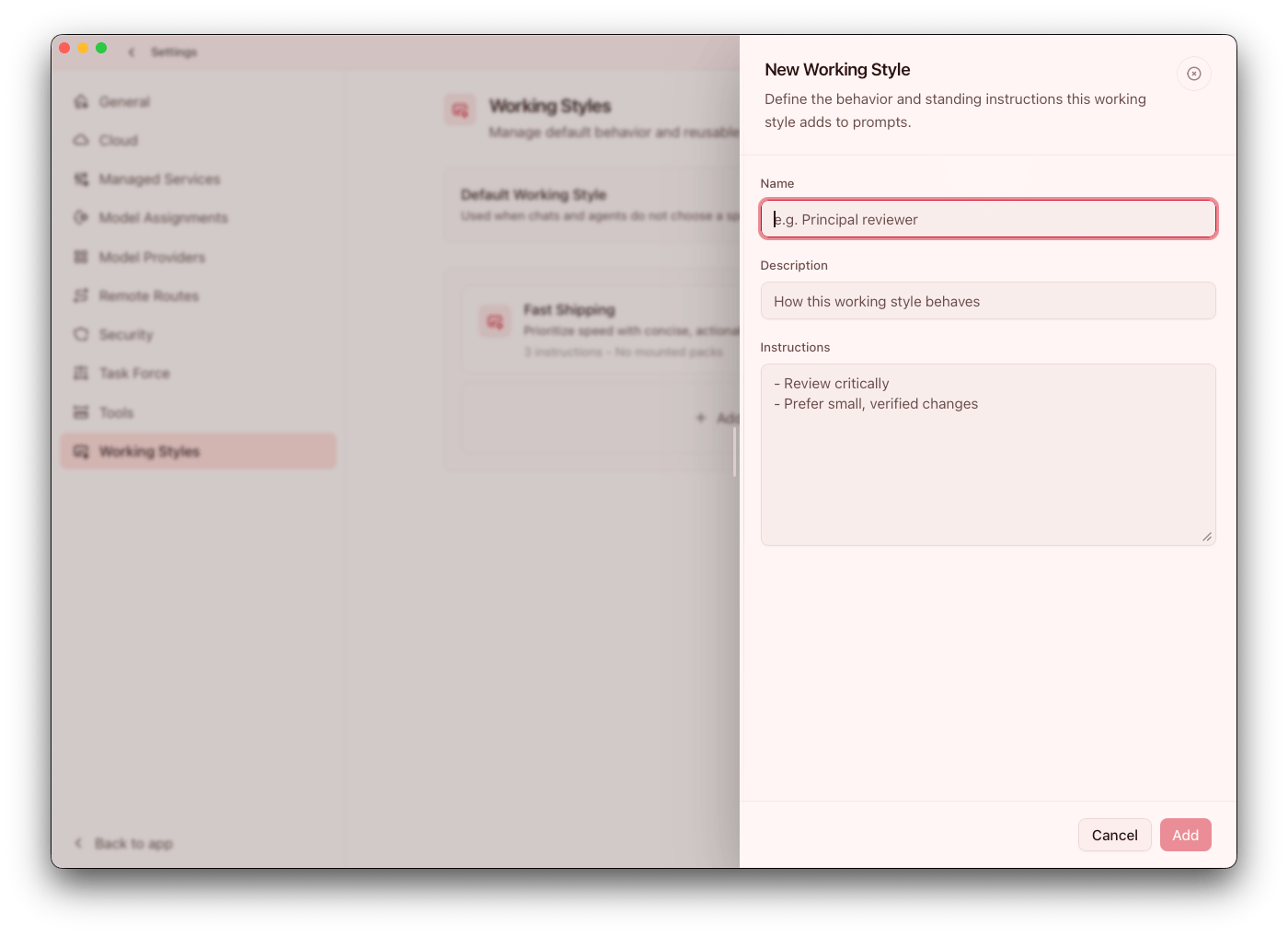
Built-in styles
Current built-ins include:
BalancedCarefulBuilderSupportReviewer
These styles are not cosmetic. They influence how much Claw verifies before acting, how aggressively it moves, and how much detail it provides back to operators.
When to use each style
Balanced: day-to-day execution and mixed workloadsCareful: high-risk changes and stronger verificationBuilder: rapid implementation-focused loopsSupport: user-assistance and operational help flowsReviewer: QA, bug hunting, and regression checks
If a workflow routinely creates either avoidable risk or avoidable delay, style selection is usually the first setting to revisit.
Where to configure styles
- Default style: Settings > General
- Per-agent override: agent configuration
If an agent has no override, it inherits the app default.
Use inheritance as your baseline policy. Override at the agent level only when an agent has a clear, recurring reason to behave differently.
What styles influence
- Pace and depth of execution
- Risk tolerance and validation behavior
- Response structure and detail
- Build-first vs review-first posture
In practice, this means style selection should be treated as an operational control, similar to choosing runtime mode or permission scope.
Team rollout guidance
- Choose one default style for most work
- Define explicit exceptions (for example
Carefulfor production changes) - Apply overrides on specialized agents
- Revisit defaults using real workload feedback
Teams that keep style rules explicit usually get more predictable outputs and fewer one-off operator adjustments.