
Mission Control
Coordinate subagents, approvals, and parallel execution in Msty Claw
Mission Control is Claw's run room for complex work. It tracks multi-agent execution, pending approvals, progress state, and final handoffs back to chat.
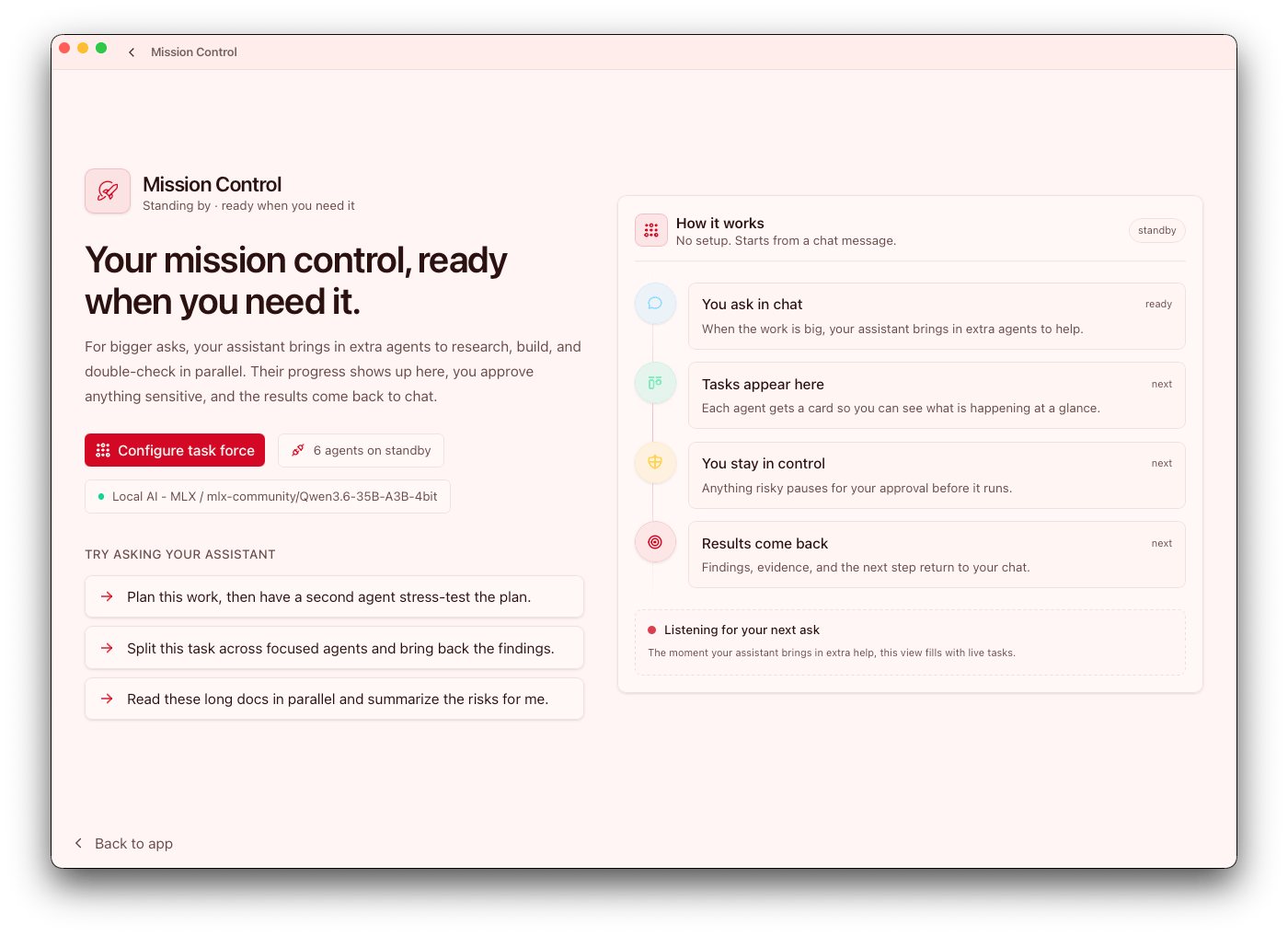
What Mission Control is for
Use Mission Control when a request benefits from:
- Parallel helpers with focused responsibilities
- Fresh-context critiques or verification passes
- Explicit approval checkpoints during tool usage
- One place to review active mission status
This is most valuable for work that is too complex for a single linear response and needs coordination with visibility.
Handoff vs Mission Control
Claw supports two different handoff patterns:
- Mission helper handoff: a subagent or helper returns a focused result back through Mission Control.
- Local chat-to-agent handoff: an existing local chat is attached to an agent so the agent can continue from the existing transcript, workspace, and folder access.
Use Mission Control when you need parallel execution visibility. Use chat-to-agent handoff when a local conversation has become agent-owned work. For agent handoff details, see Agents.
Core flow
- Start work from chat
- Spawn focused helpers (subagents) as needed
- Watch progress and blockers in Mission Control
- Resolve approvals and review outputs
- Merge final outcomes back into the main chat
Mission status commonly moves through: Working, Needs you, Ready to review, Done.
These states help operators triage quickly: where intervention is needed, where review is pending, and what is ready to ship.
Task Force presets
In Settings > Task Force, create reusable helper presets for common roles.
Each preset can define:
- Role and objective framing
- Tool policy boundaries
- Output contract expectations
This keeps multi-agent behavior consistent across repeated workflows. Think of presets as reusable governance: they reduce prompt drift and make helper behavior easier to audit.
Approvals and review
Mission Control surfaces pending permission requests from running helpers so you can:
- Approve or deny individually
- Resolve pending requests in batches where appropriate
- Keep blocked work visible until decisions are made
Use approval history to tune permissions and reduce repetitive prompts without removing critical safeguards.
Peek-a-Boo previews
Sidebar hover previews ("Peek-a-Boo") are available for chats and mission items.
Use these previews to:
- Check latest mission activity without changing views
- Handle quick approval actions inline
- Triage active vs idle work faster
These previews are most useful when multiple missions are active and context-switching overhead starts to rise.