
Reach your machine from anywhere
Pro
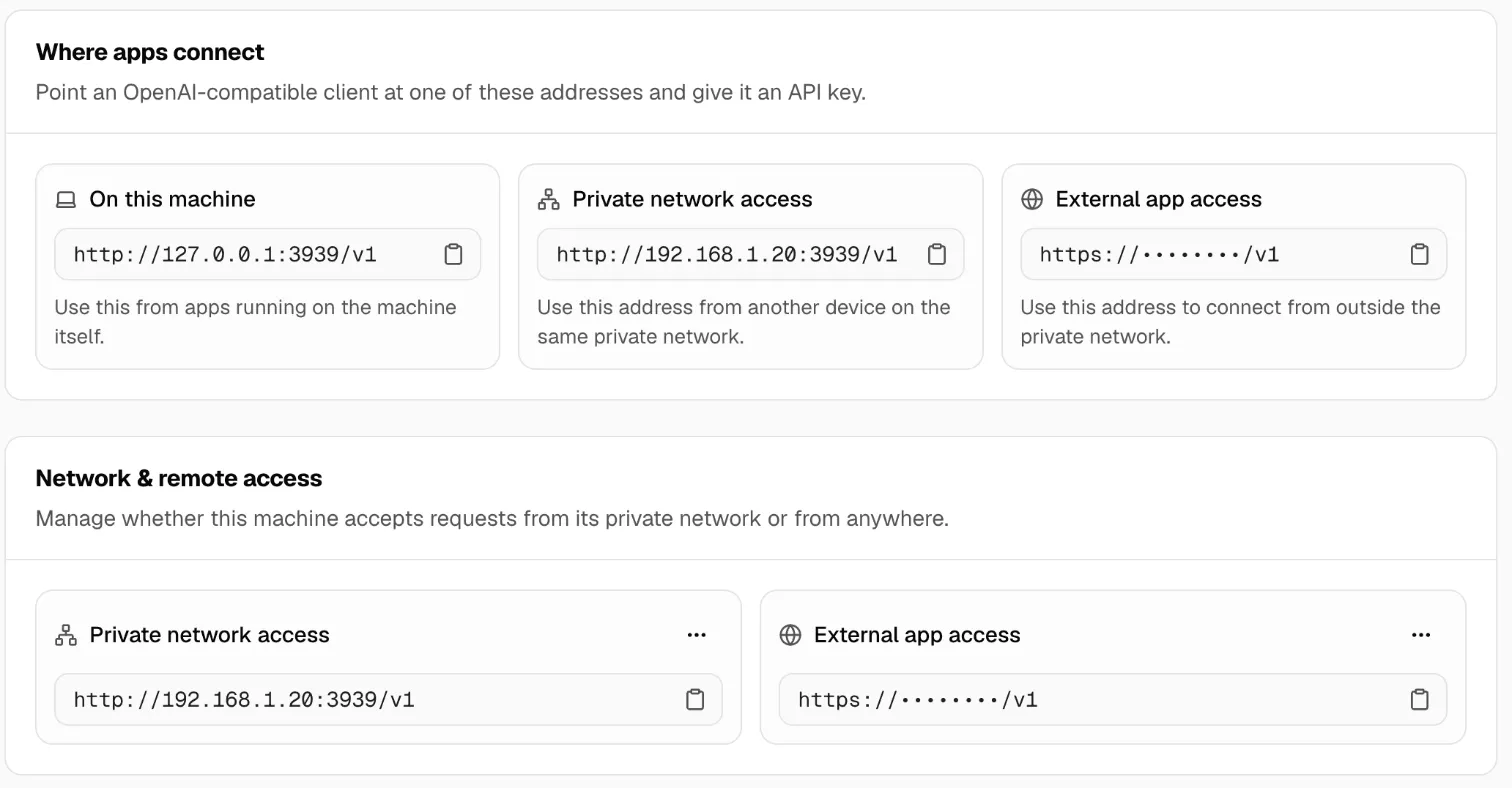
You’ll get: an https://…/v1 address for your machine that works from anywhere: a laptop on the road, a server in the cloud, a teammate at home. You don’t open a firewall port or set up a VPN.
You need:
- The machine signed in and in your fleet, and online.
- Pro includes one such address per machine.
- Switch to the machine and open Connections → Gateway access.
- On External app access, click Allow external apps.
- Copy the address from External app access is ready. You can copy it again later with Copy access address.
- Open Client API keys and create a new key just for this app. See Limit a key.
- In the app, use the address as the base URL and the new key as the API key.
Check it worked
Section titled “Check it worked”From a computer outside your network:
curl https://<your-address>/v1/models -H "Authorization: Bearer $KEY"You get the list of models the key can use.
Keep it safe
Section titled “Keep it safe”- The address isn’t a secret. The key is. Without a valid key, nobody gets in.
- Use one key per app, so you can revoke one without breaking the others.
- Requests pass through Msty’s relay over HTTPS. The relay can read them, so this isn’t end-to-end encrypted. For sensitive work, prefer your private network or a VPN.
- Provider keys never leave the machine.
Turn it off
Section titled “Turn it off”On External app access, open the menu (…) and click Turn off. Apps using the address stop working at once.
More in Access from anywhere and Security.