Routing choices and the router
A routing choice is one kind of work, such as “Code” or “Summaries”, with the model or pool that should do it. The router is a small model on your machine. For each request that no rule decided, it reads the request and picks the choice that fits best. If none fits, the request goes to the Default fallback.
What the router reads
Section titled “What the router reads”The router compares the request with each choice’s Choice name and When to use it text. That text matters more than anything else.
What it doesn’t use:
- The route’s slug or name.
- The target model’s name or strengths.
- Which model answered before. That’s a conversation setting, not the router’s job.
The router reads only text. It runs on your machine, so the request never goes to another online service to be routed.
Write good “When to use it” text
Section titled “Write good “When to use it” text”Describe the action the person asks for, not the topic and not the model. Include a few close examples, and a boundary when two choices could look alike.
| Choice | Good text | Why it works |
|---|---|---|
| Code | Write, debug, refactor or explain code, APIs, errors and stack traces. | Names the action and close examples. |
| Summarize | Summarize or shorten text, documents, notes or code. Not for changing code. | Draws a line against the Code choice. |
| Translate | Translate text between languages, keeping its meaning and format. | Describes the change asked for, not the subject. |
| Deep analysis | Compare evidence, weigh tradeoffs, or solve multi-step problems that need a detailed answer. | Says what the work looks like, not just “hard”. |
| Avoid | Why |
|---|---|
| “Use the best model” | Says nothing about the request. |
| “Hard questions”, “complex work”, “high quality” | Too vague, and several choices end up saying the same thing. |
| “General requests” | That’s the fallback’s job. |
| “Anything about technology” | A topic, not an action. Summaries and translations about technology would land here too. |
The task counts, not what’s pasted in
Section titled “The task counts, not what’s pasted in”The router looks for what the person asks it to do. Pasted code, documents or quotes are the material, not the task.
- “Summarize this SQL migration” is a summary, even though it contains code.
- “Translate this error message into Spanish” is a translation.
- “Fix the bug in this function” is code: changing the code is the task.
Write descriptions that make these lines clear.
Don’t make a catch-all choice
Section titled “Don’t make a catch-all choice”The Default fallback already catches everything else. A broad choice, such as “anything not listed above”, makes the narrow ones harder to tell apart. Pick a dependable general model for the fallback instead.
Start small
Section titled “Start small”Start with a fallback and one or two choices. Add a choice when real traffic shows a kind of work that keeps landing in the wrong place.
Test your choices
Section titled “Test your choices”Before you rely on a route, try a few requests:
- One clear example for each choice.
- One that could fit two choices.
- One that should go to the fallback.
- One with pasted content from another kind of work, such as code inside a summary request.
If a request lands in the wrong place, sharpen the When to use it text before you change models. See Test and monitor for Check routing and the Prompt lab.
Find gaps
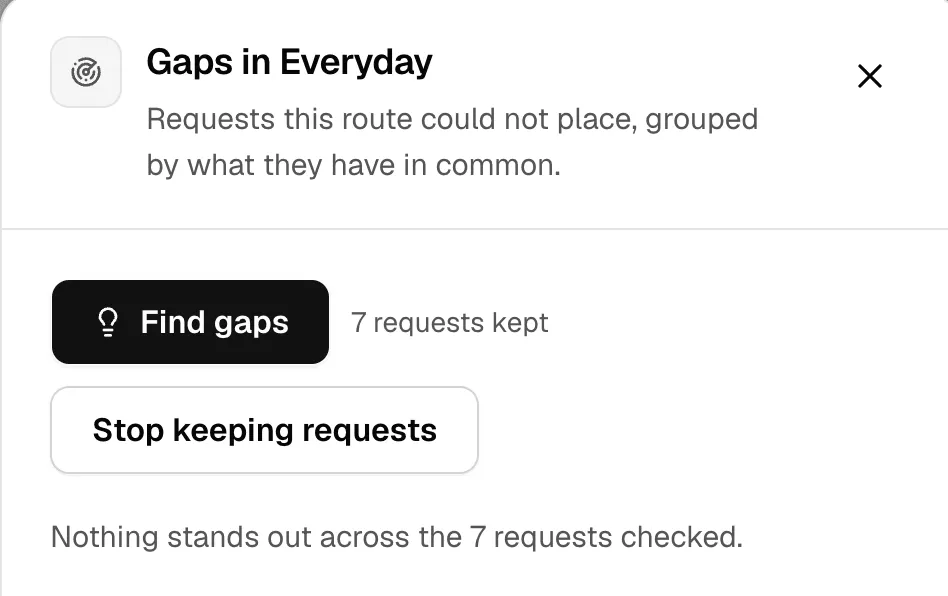
Section titled “Find gaps”Find gaps shows requests the route couldn’t place, grouped by the words they have in common. It suggests a new choice for each group.
- On the Routes tab, open the route’s menu and click Find gaps.
- If the route isn’t keeping requests yet, click Start keeping requests.
- Send some real traffic, then click Find gaps again. The router reads every kept request, so it takes a few seconds.
- For a group worth its own choice, click Add as a lane.
A route keeps the first message of each new conversation sent after you start, up to 200, for 7 days. Later messages in the same chat aren’t kept, so the count is often lower than the number of requests you sent. Kept requests stay in memory on this machine, and restarting the Runtime clears them. They’re never sent anywhere, and the results show only counts and shared words, never the requests. Stop keeping requests stops keeping new ones and deletes the ones already kept.
Try a new wording first
Section titled “Try a new wording first”Changing a description can move requests you didn’t mean to move. In the editor, Try these lanes replays up to 60 kept requests against your draft choices and shows:
- How many requests change lane, such as 12 of 60.
- How much each lane catches, before and after.
- Whether the change catches more requests, or leaves more without a lane.
Nothing is saved until you click Save changes.
Improve this route
Section titled “Improve this route”On the Live tab, Improve this route lists problems Nexus sees in real traffic, with a fix for each. For example:
| Nexus says | What to do |
|---|---|
| 0 lanes configured, so every request goes straight to the fallback. | Add at least two choices. |
| The router is not answering, so nothing is being classified. | Prepare the router. |
| … of requests matched no lane. | Broaden a description, or add one for the work that’s arriving. Use Find gaps. |
| … points at …, which this machine cannot resolve. | Install the model, or point the choice at another one. |
| The classifier returned an unusable answer. | Usually two choices describe the same work. Make them different. |
| … of requests timed out in the classifier | The router isn’t keeping up. Use a faster runtime, or a less busy machine. |
| … prompt tests preferred the fallback answer. | Review the choices before sending more traffic. |
When nothing is wrong, it says Nothing to change — traffic shows no routing problem.
Guidance goal
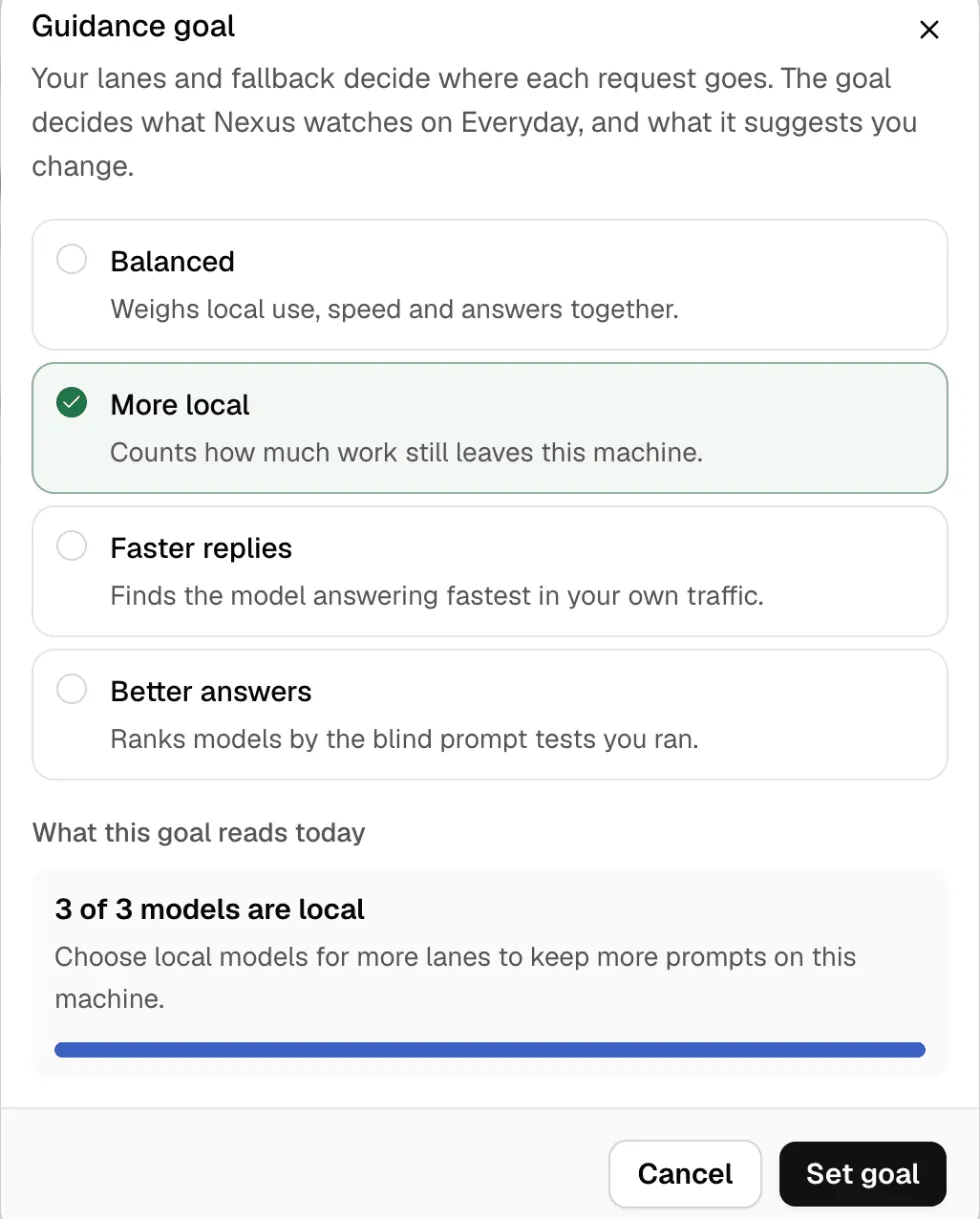
Section titled “Guidance goal”The Guidance goal decides what Nexus watches on a route and what it suggests you change. It never changes where a request goes: your choices and fallback do that.
| Goal | What Nexus watches |
|---|---|
| Balanced | Local use, speed and answer quality together. |
| More local | How much work still leaves this machine. |
| Faster replies | Which model answers fastest in your own traffic. |
| Better answers | Which model wins the blind answer tests you ran in the Prompt lab. |
To set it, open the route’s menu, click Guidance goal, pick one and click Set goal. The dialog shows what the goal reads today, such as how many of the route’s models are local.