
Add web search to a preset
Pro
You’ll get: a preset, such as @preset/research, whose model can search the web and read pages before it answers. Your apps call the preset as usual. They don’t need to know about search.
You need:
- Web Search on a Mac running Nexus. The Local search engine is free and needs no key.
- A model that can call tools.
- Open Web Search and check that Search order has at least one provider that’s On. Try a search to be sure.
- Open Presets and create or edit a chat preset.
- Turn on Search the web.
- Set Searches per answer, from 1 to 10. The default is 3. Reading a page counts too.
- Choose whether to Add a Sources list to answers.
- Save the preset.
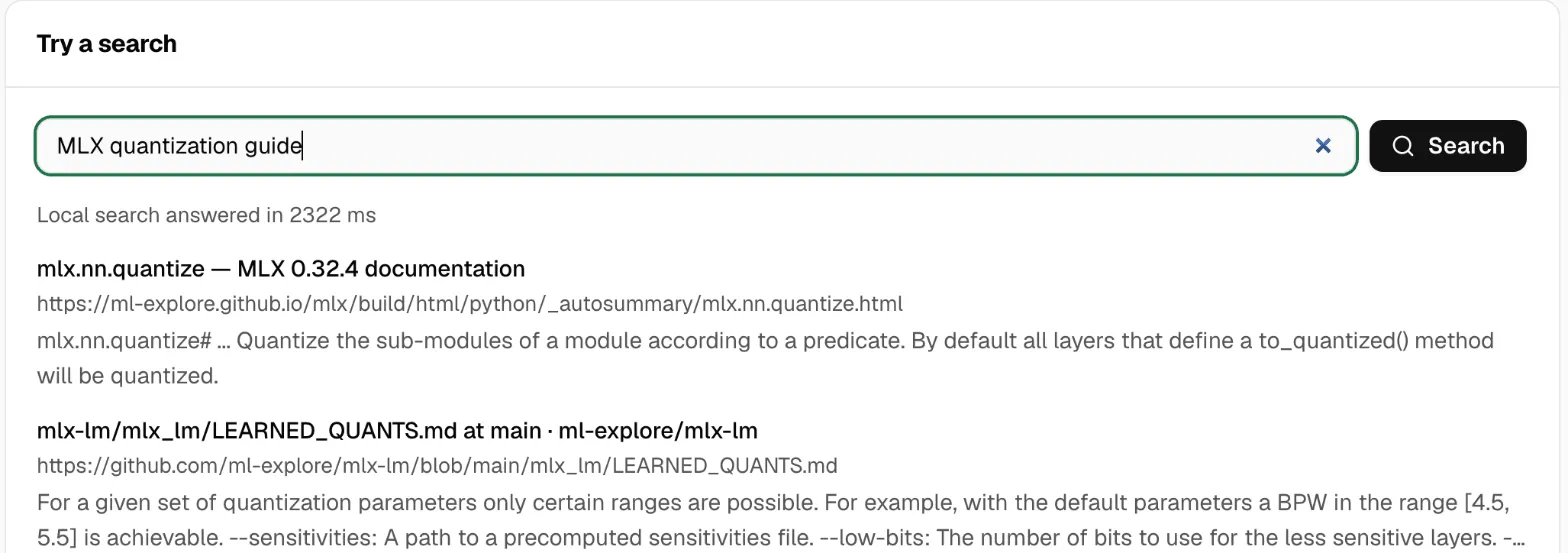
Nexus gives the model a search tool and a page-reading tool, runs them when the model asks, and sends back one finished answer.
Check it worked
Section titled “Check it worked”Click Try in Chat Lab on the preset and ask about something recent, such as this week’s news on a topic you follow. The answer cites pages, with a Sources list if you turned it on.
Good to know
Section titled “Good to know”- If the preset also removes personal information, the search uses the cleaned request. Sensitive values never go into a search.
- If Web Search stops being available, the preset still works, without search.
- Nexus doesn’t store the searches or the pages it read.
More in Web Search.